
Start with a map, not an app
The quickest way to waste money on automation is to buy software first. For one week, write down every admin task you or your office handle: answering and returning calls, writing quotes, chasing quotes, booking jobs, sending reminders, invoicing, chasing payment and asking for reviews. Note roughly how long each one takes and how often it comes up.
You will usually find that a handful of hand-offs eat most of the time, and that leads slip through the gaps between them. Those are the first things to automate. As business.gov.au puts it, many businesses spend hours a week on tasks that software can do a lot faster.
Week 1: capture every enquiry
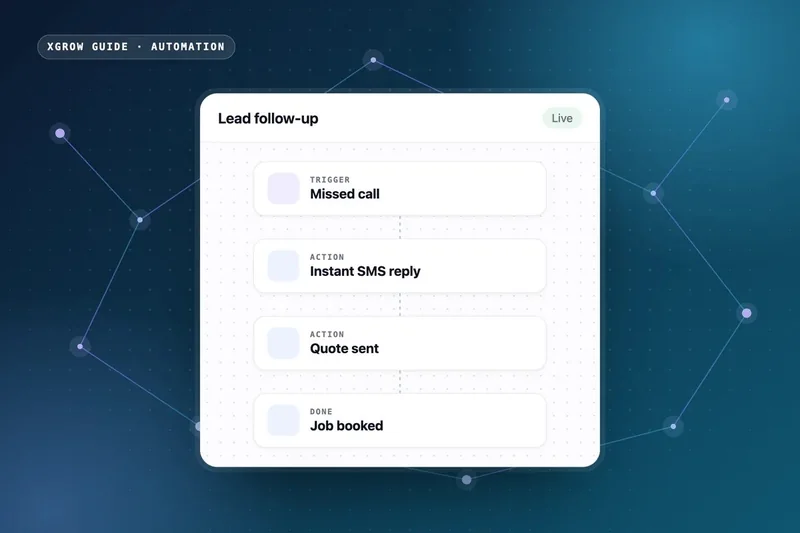
If a call goes unanswered while you are up a ladder, the job often goes to whoever answers next. The first automation is a safety net: a missed-call text-back that replies straight away, and one inbox that collects calls, website forms, Facebook messages and Google Business Profile chats.
Once that is running, you can add an AI receptionist that answers calls, asks your qualifying questions and books quote visits into your calendar. Our guide on how to stop losing leads covers this capture-and-reply layer step by step.
Week 2: follow up quotes and confirm bookings
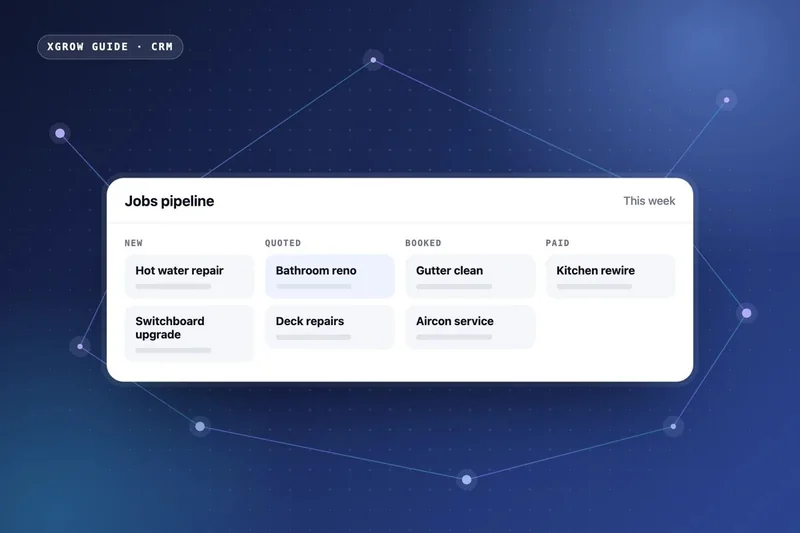
Most quotes that go quiet are not a no. They are a customer who got busy. Three automations handle this without you chasing anyone:
- Quote follow-up: a text or email a couple of days after the quote goes out, and another a few days later, stopping the moment the customer replies or accepts.
- Booking confirmation: an automatic message with the date, the time window and what the customer needs to sort out, such as access, pets and parking.
- Reminder and on-the-way text: sent the day before and when you leave the previous job, so there are fewer wasted trips.
Write these messages in your own voice. Automation should sound like you on a good day, not like a call centre.
Week 3: get paid and get reviewed
When a job is marked complete, the invoice goes out with a pay-now link, and polite reminders follow if it becomes overdue. Once it is paid, the customer receives a short Google review request with a direct link.
invoicing and payments automation
These two automations close the loop: cash comes in faster, and a steady flow of reviews helps you win the next job on Google Maps. Our best CRM for tradies guide lists the triggers we use for each one.
Week 4: connect the rest of your tools
Most tradies already use something for jobs or accounting. Rather than replacing everything, connect it. An all-in-one CRM handles leads, messages, calendars and reviews. A workflow tool such as n8n moves data between that CRM and your job management software, accounting, spreadsheets and email, so nobody types the same details twice. Where no off-the-shelf tool fits, a small custom-built tool can fill the gap.
At XGROW we set up the CRM side on the XGROW platform, which is built on GoHighLevel, build the integrations in n8n and write custom code only when it clearly saves time.
What not to automate
Automation is for the repeatable parts of the business. Keep a person on:
- Pricing and scoping jobs. Templates help, but your judgement is what wins profitable work.
- Complaints and unhappy customers. These need a real conversation, quickly.
- Emergencies. A burst pipe, no power or anything dangerous should go straight to a person.
- Anything nobody is watching. If no one would notice an automation failing, it needs an alert, or it should not run.
Stay on the right side of the spam rules
Automated texts and emails still have to follow Australia's spam rules. The ACMA explains that marketing messages need the recipient's consent, must identify you as the sender and must make it easy to unsubscribe. Messages about a job the customer has booked are different from marketing, but it pays to build consent and opt-outs into your CRM from day one.
Measure whether it is working
Pick a few numbers before you start, so you can tell whether each automation is earning its keep:
- Admin hours per week, before and after.
- Time to first reply on new enquiries.
- Quote acceptance rate.
- Days from job completion to payment.
- New Google reviews per month.
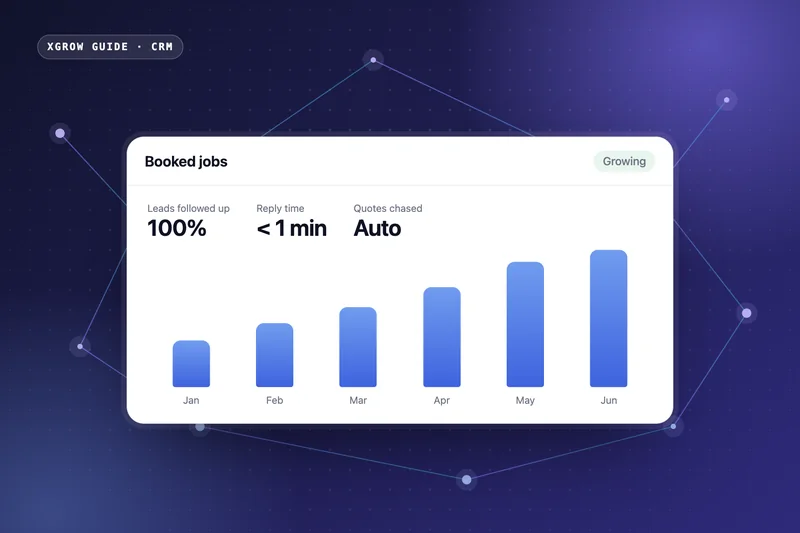
Time to first reply is the one to watch most closely. In a study published in Harvard Business Review in 2011, firms that contacted an online lead within an hour were nearly seven times as likely to qualify it as firms that waited longer. HighLevel, the software the XGROW platform is built on, says in its published playbook for plumbing businesses that 50% of calls to plumbers go unanswered after hours and that missed-call text-back recovers 20 to 30% of those leads. These are published industry figures, not XGROW client results, but they show why the Week 1 safety net comes first.
Review them monthly. Keep what works, fix what breaks and switch off anything that is not pulling its weight.
Common mistakes to avoid
- Automating a messy process, which only makes the mess happen faster.
- Adding a new app for every problem instead of building around one hub.
- Sending so many follow-ups that good customers get annoyed.
- Building it once and never checking it again.
Want to know which automation would pay off fastest in your trade business? Book a free one-hour strategy call with XGROW and we will map where leads and hours are slipping away. Call 0489 270 600 or email info@xgrow.com.au.
Frequently asked questions
What should a tradie automate first?
Start with a missed-call text-back and one inbox for every enquiry, then add quote follow-ups, booking reminders, invoicing and review requests. These save the most time and stop the most leads slipping through.
Do I need to replace my job management software to automate?
Usually not. A workflow tool such as n8n can connect your existing job management and accounting software to a CRM, so information moves between them automatically.
How long does it take to automate a trade business?
Rolled out in stages, the core system is usually running within a few weeks, starting with lead capture and quote follow-up.
Will automation make my business feel impersonal?
Not if it is set up well. Messages are written in your voice, and anything involving pricing, complaints or emergencies still goes to a person.
Is n8n or a CRM better for tradie automation?
They do different jobs. A CRM is the hub for leads, messages, bookings and reviews, and n8n connects that hub to your other software. Most tradies benefit from both.
Can automated texts break spam laws?
Marketing messages need consent, must identify the sender and must include an easy way to unsubscribe under the Spam Act 2003. Build consent and opt-outs into your CRM from the start.

Matheus Bessa is the founder of XGROW. He spent six years in marketing at Unilever Brazil and now builds CRM, marketing automation and AI systems for Australian service businesses. More about Matheus · LinkedIn