
The best CRM for an Australian tradie is the one that captures every call and enquiry, follows up quotes automatically, schedules jobs, gets invoices paid and asks happy customers for Google reviews — all from your phone. Brand names matter far less than setup. A CRM configured around how your jobs actually run, and connected to your phone, calendar and payments, will outperform a more powerful platform that your team stops using after a month.
What should a CRM for tradies actually do?
Tradies don't sit at a desk, so a CRM has to work in the gaps between jobs. At a minimum it should:
- Capture every lead in one place — calls, missed calls, website forms, Facebook and Instagram messages, emails.
- Reply instantly when you can't, with a text-back for missed calls and an automatic response to forms.
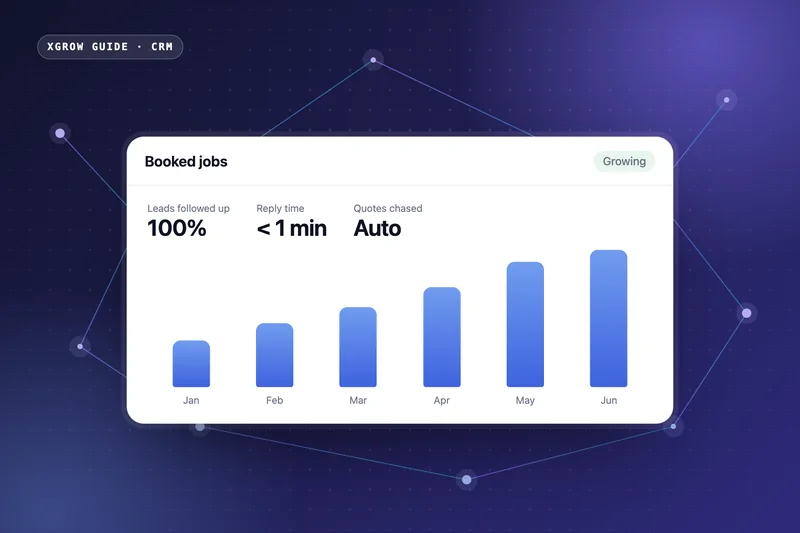
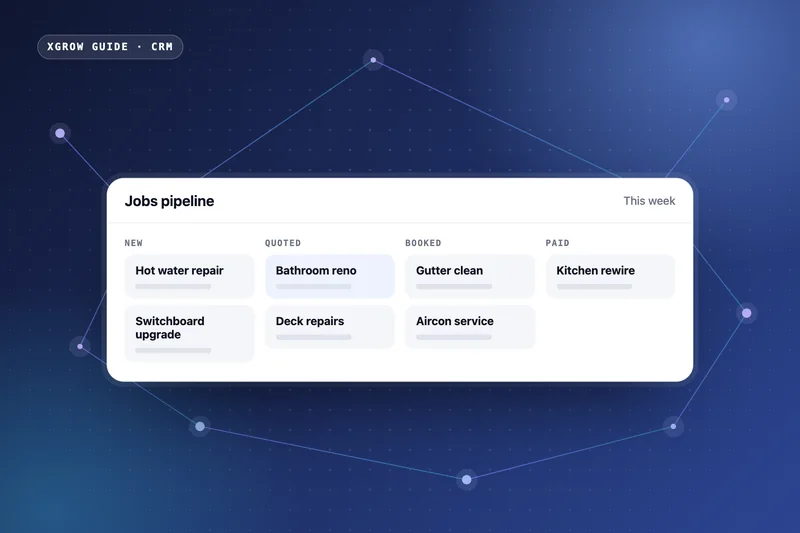
- Track quotes and follow them up on a schedule until the customer decides.
- Book and confirm jobs in a shared calendar, with reminders and on-the-way messages.
- Invoice and take payment the moment a job is done, with a pay-now link.
- Ask for reviews after every completed job.
- Work on your phone, so you can see and act on everything from the ute.
CRM vs job management software: what's the difference?
Many tradies already use job management software for scheduling, timesheets and job sheets. A CRM focuses on the part before and after the job: winning the work and bringing customers back.
| Job management software | CRM with automation | |
|---|---|---|
| Main focus | Running jobs: scheduling, job sheets, timesheets | Winning and keeping customers |
| Lead capture | Limited | Every channel into one pipeline |
| Follow-up | Manual | Automatic quote follow-up and nurture |
| Marketing | Rarely | Reviews, rebooking and email/SMS campaigns |
Smaller trade businesses often do best with one all-in-one system. Larger teams sometimes keep their job management tool and connect it to a CRM so data only gets entered once.
How much does a CRM cost for a tradie?
There are three parts to the real cost:
- Software — a monthly subscription, usually priced by users and features.
- Setup — configuring pipelines, automations and integrations, and migrating your customer list. You can DIY this or have it done for you.
- Your time — the hidden cost. A badly set up CRM costs hours every week; a well set up one gives them back.
The better question is payback. If a CRM wins you one or two extra jobs a month — from calls you would have missed or quotes you would never have chased — it usually covers itself. Our guide on whether a CRM is worth it shows how to run the numbers.
The six automations that pay for themselves
| Automation | Trigger | What it wins you |
|---|---|---|
| Missed-call text-back | You can't answer | Keeps the customer talking to you, not the next tradie |
| Quote follow-up | Quote not accepted after 2 days | Jobs that would otherwise go quiet |
| Booking confirmation & reminder | Job booked | Fewer no-access callouts and wasted trips |
| Invoice on completion | Job marked done | Faster payment, less chasing |
| Review request | Invoice paid | More Google reviews and map-pack visibility |
| Service reminder | Months after the job | Repeat work — servicing, maintenance, inspections |
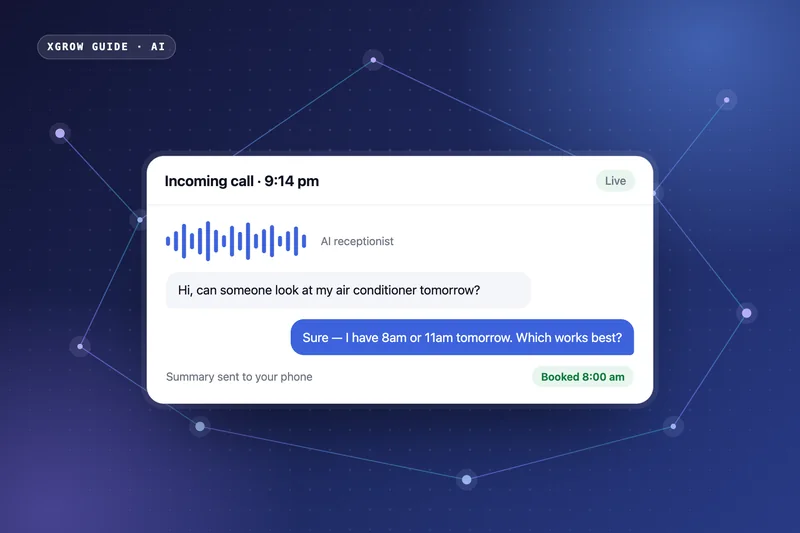
Speed matters most. Research published in the Harvard Business Review found that businesses that responded to online leads within an hour were nearly seven times as likely to qualify them as those that waited longer. For a tradie on the tools, only automation makes that possible — and an AI receptionist can go further by answering and booking calls live.
How to choose: a 5-question checklist
- Will it capture calls, forms and social messages in one inbox?
- Can it send a text automatically when I miss a call?
- Does it follow up quotes and remind customers without me?
- Can I invoice, take payment and request a review from my phone?
- Who will set it up, migrate my data and train my team — and support me after?
If the answer to the last question is "me, on weekends", budget for help. Most CRM failures in trade businesses are setup failures, not software failures.
How XGROW sets up CRMs for tradies
XGROW builds an all-in-one CRM around your trade: your services, your service area, your quoting process and your team. We migrate your customers, connect your phone, calendar and payments, switch on the six automations above and train your team — then keep optimising. See CRM & automation for tradies or CRM implementation for details.
Frequently asked questions
Do tradies really need a CRM?
If you get more than a few enquiries a week, send quotes, or rely on repeat and referral work, a CRM pays off by catching missed calls, following up quotes and prompting reviews and repeat bookings automatically.
Can I run a CRM from my phone?
Yes. Modern CRMs have mobile apps and browser access so you can see new leads, reply to customers, send quotes and invoices, and check your schedule between jobs.
How long does it take to set up a CRM for a trade business?
With help, the core system — pipeline, lead capture, missed-call text-back and quote follow-up — is usually running within a few weeks.

Matheus Bessa is the founder of XGROW. He spent six years in marketing at Unilever Brazil and now builds CRM, marketing automation and AI systems for Australian service businesses. More about Matheus · LinkedIn